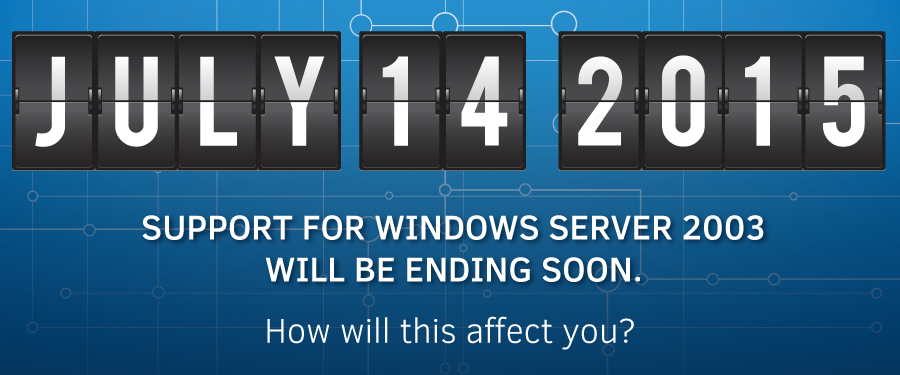
Planning ahead for Windows Server 2016 end of life is critical to maintaining security, compliance, and performance before extended support ends on January 12, 2027. Upgrading ensures continued access to security patches against new vulnerabilities, modernizes infrastructure for hybrid cloud scenarios (Azure), and provides access to advanced features like improved PowerShell 5.0, enhanced container support, and better virtualization capabilities.
Key Reasons to Upgrade Windows Server 2016
Security and Compliance: After Windows Server 2016 end of life, no further security updates will be made, making the server a liability for compliance requirements and vulnerable to new threats.
Enhanced Features in Later Versions:
Windows Server 2019/2022 offer improved integration with Azure, better storage capabilities (Storage Spaces Direct), and superior container networking.
Performance: Newer versions are designed to be more efficient, reliable, and faster, optimizing for modern hardware and applications.
Support for Modern Infrastructure: Newer Windows Servers offer improved security for virtual machines, such as Shielded VMs, which protect data even if the host is compromised.
Avoid Emergency Migration: Upgrading now allows for a planned, controlled transition, rather than a frantic, expensive, or risky migration once support completely expires.
In-Place Upgrades: Modern Windows Server versions allow for in-place upgrades (2016 to 2019 or 2022), which can preserve settings, applications, and data while reducing downtime.
It is highly recommended to plan for an upgrade to Windows Server 2019 or 2022 well before 2027 to ensure uninterrupted, secure operations. Looking for a partner to help with the process? We'd love to assist! Reach out today to speak to an expert.
 Solutions Overview
 Managed IT Services
 Cloud Services
 Azure and M365
 Security Services
 Application Development
 IT Consulting Services
 AI Strategy Consulting Services
 Network Services
 Collaboration & Communications